QuickBooks Online
QuickBooks Online is great for accounting, but it's cluttered with upsells, suggestions, and widgets you don't need. Here's all the nonsense we can fix.
See the Difference
Before
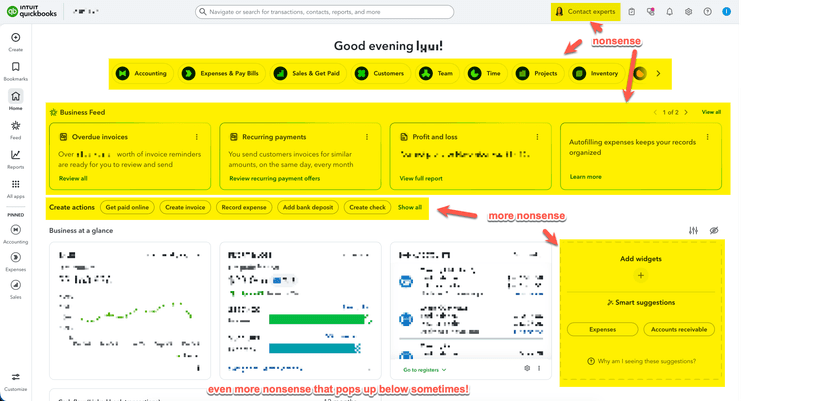
During

After
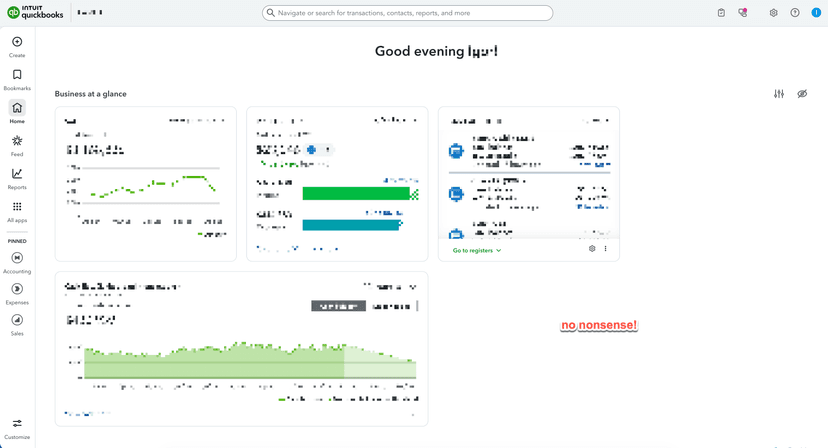
Click any image to enlarge
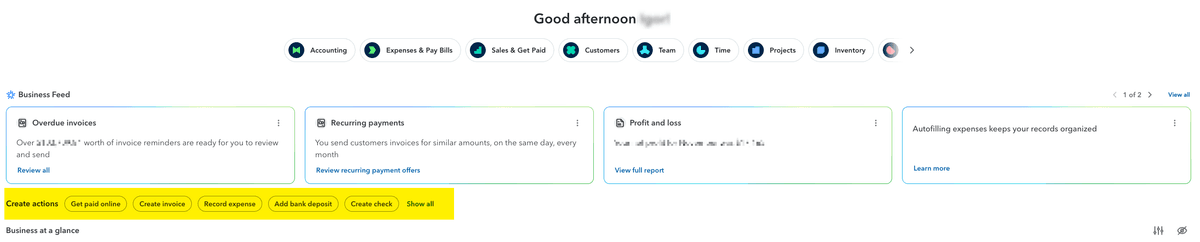
Dashboard - Remove Create Actions
Removes the useless Create Actions at the top of the dashboard
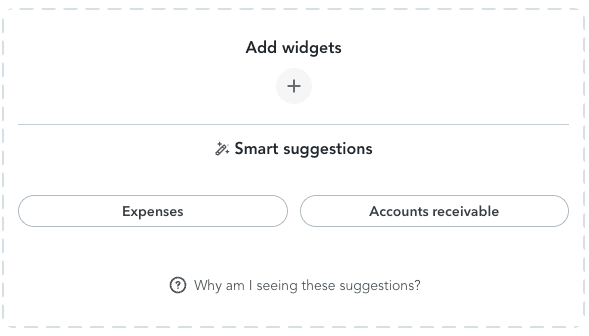
Dashboard - Remove Widget Suggestions
Removes the waste of space that is the widget suggester
Header - Remove Contact Experts Button
Removes the Contact Experts button in the top right

Dashboard - Remove Business Feed
Removes the Business Feed nonsense from the home page

Dashboard - Remove Carousel
Removes the carousel at the top which is just the same as the menu on the left.

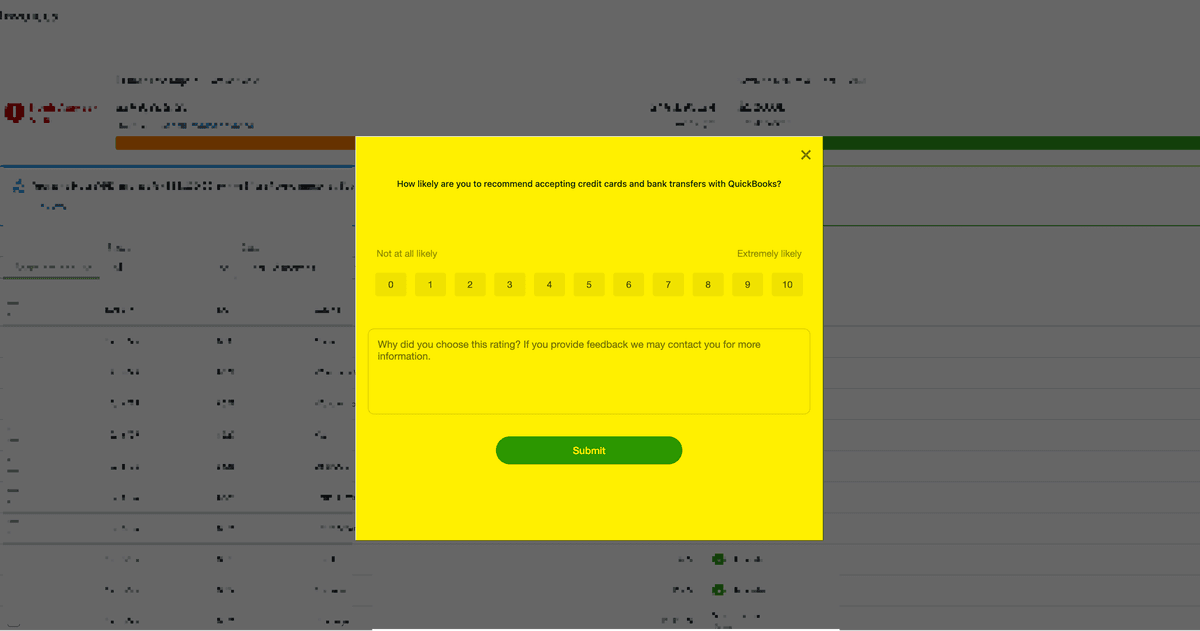
Suppress "How Likely" Survey Popups
Removes the intrusive "How likely are you to recommend..." survey popups that interrupt your workflow while you're trying to get things done.
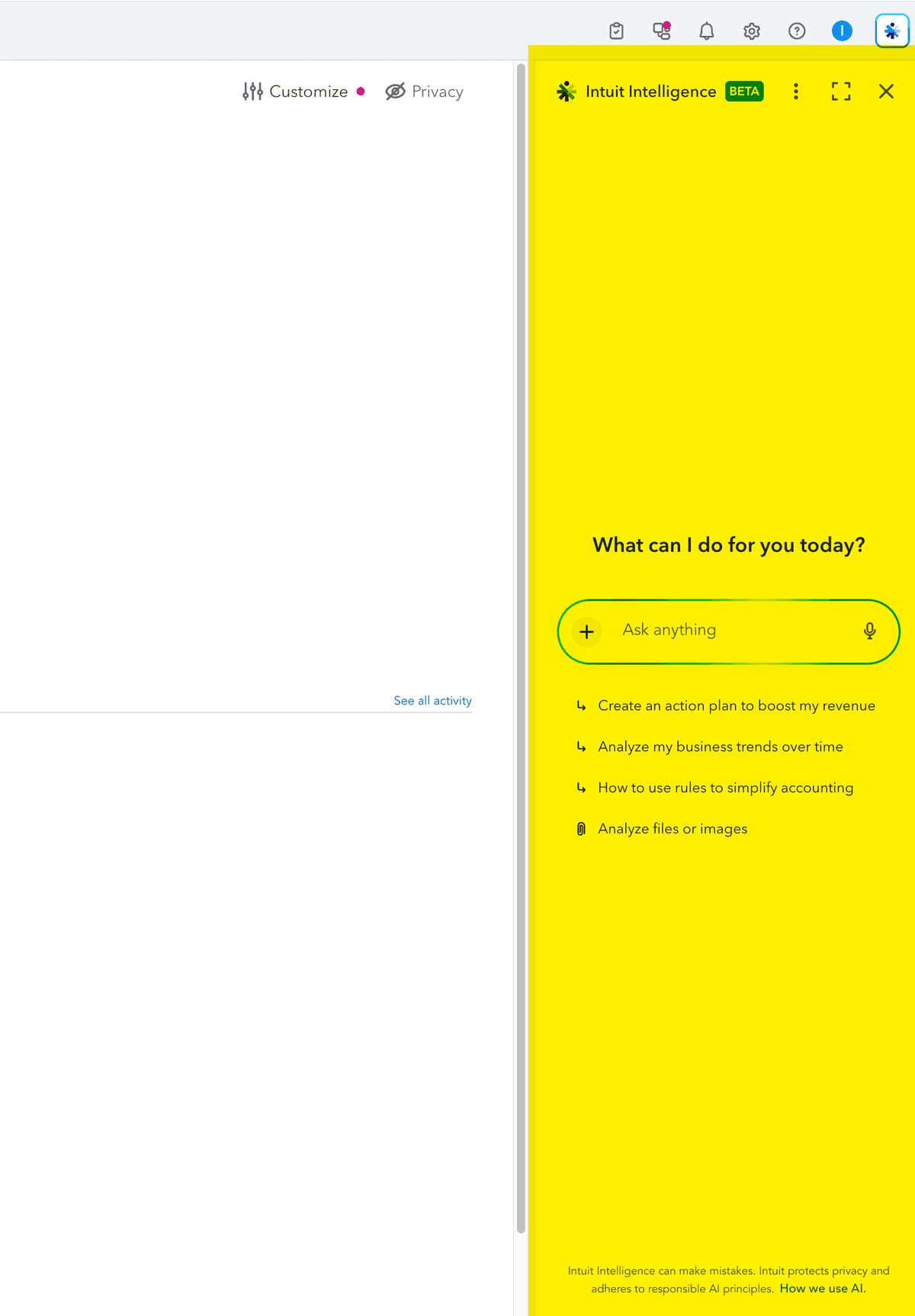
Remove Intuit Intelligence Sidebar
Removes the Intuit Intelligence AI assistant sidebar and reclaims the screen space it occupies.
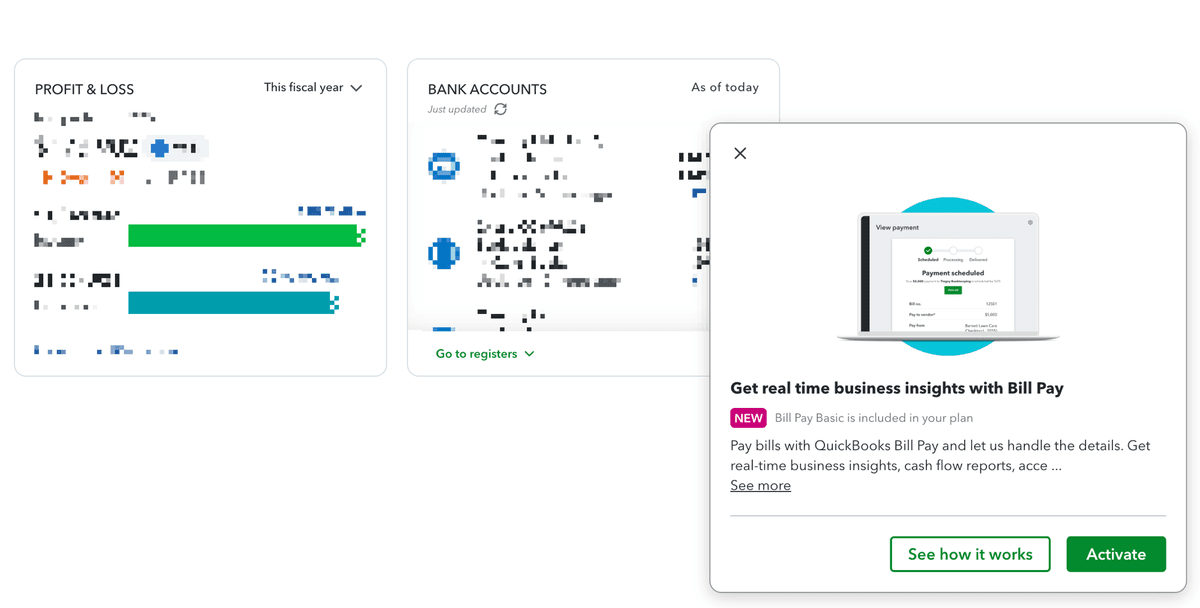
Remove Bottom Modals
Removes the annoying popup modals that appear in the bottom corner of the screen promoting features like Bill Pay, Payments, and other upsells.
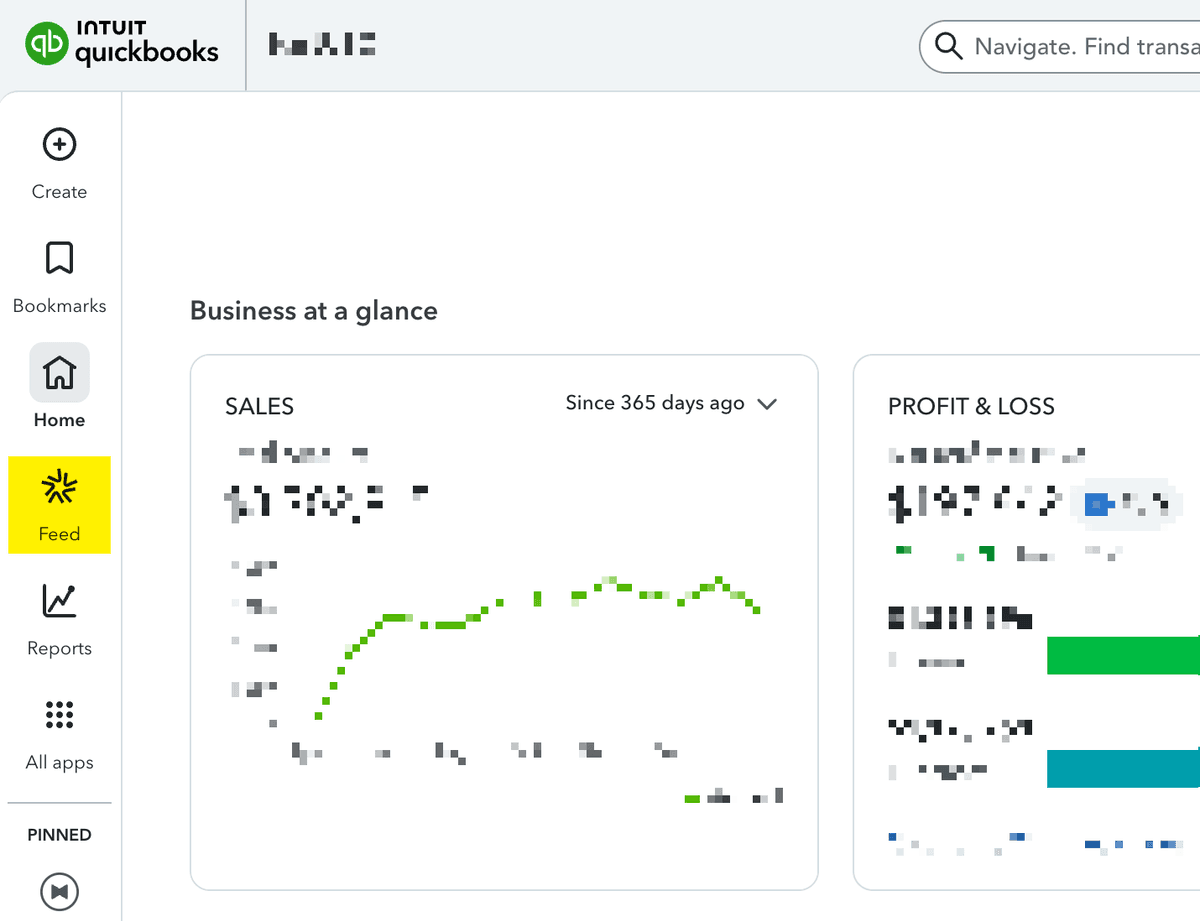
Left Nav - Remove Feed Item
Removes the Feed link from the left navigation rail in QuickBooks Online.
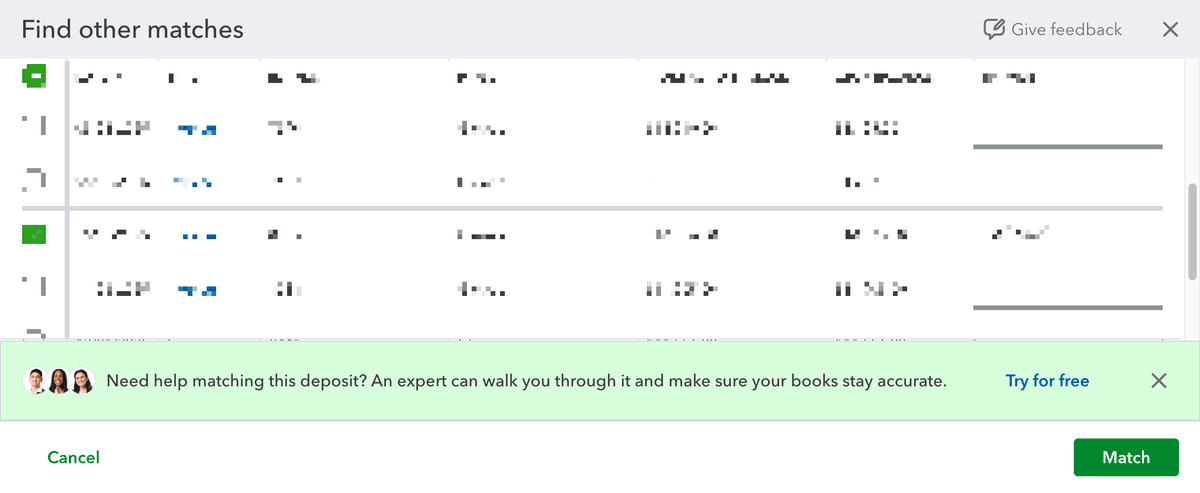
Remove Expert Nudges
Removes the "Try for free" expert help nudges that try to upsell you on QuickBooks Live experts.
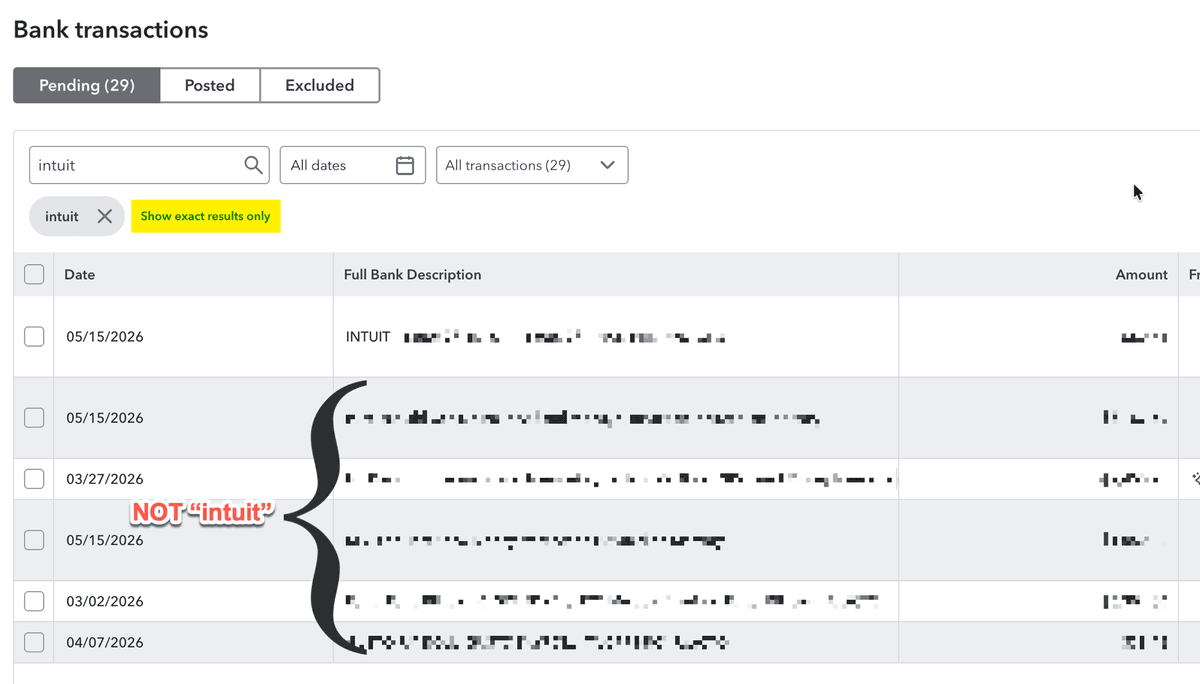
Bank Transactions - Auto-click "Show exact results only"
When you search bank transactions, QuickBooks shows fuzzy matches by default and makes you click "Show exact results only" to get just what you typed. This auto-clicks it for you.
Dashboard - Remove Suggestions For You
Removes the useless upsells at the bottom of the dashboard
Footer Ads
Removes the nonsense that pops up from the bottom and upsells you garbage
More nonsense fixes coming soon!
Don't see the one that's bothering you? Let us know
Ready to clean up QuickBooks Online?
Install Fix Nonsense and choose which nonsense to remove.
Add to Chrome